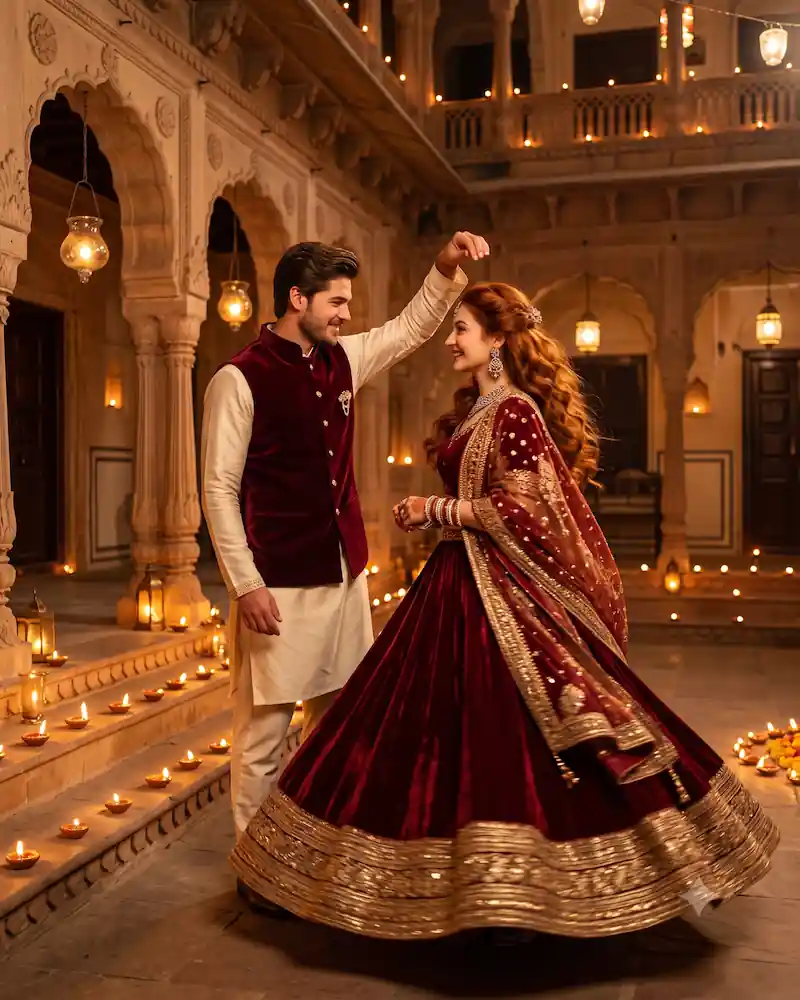
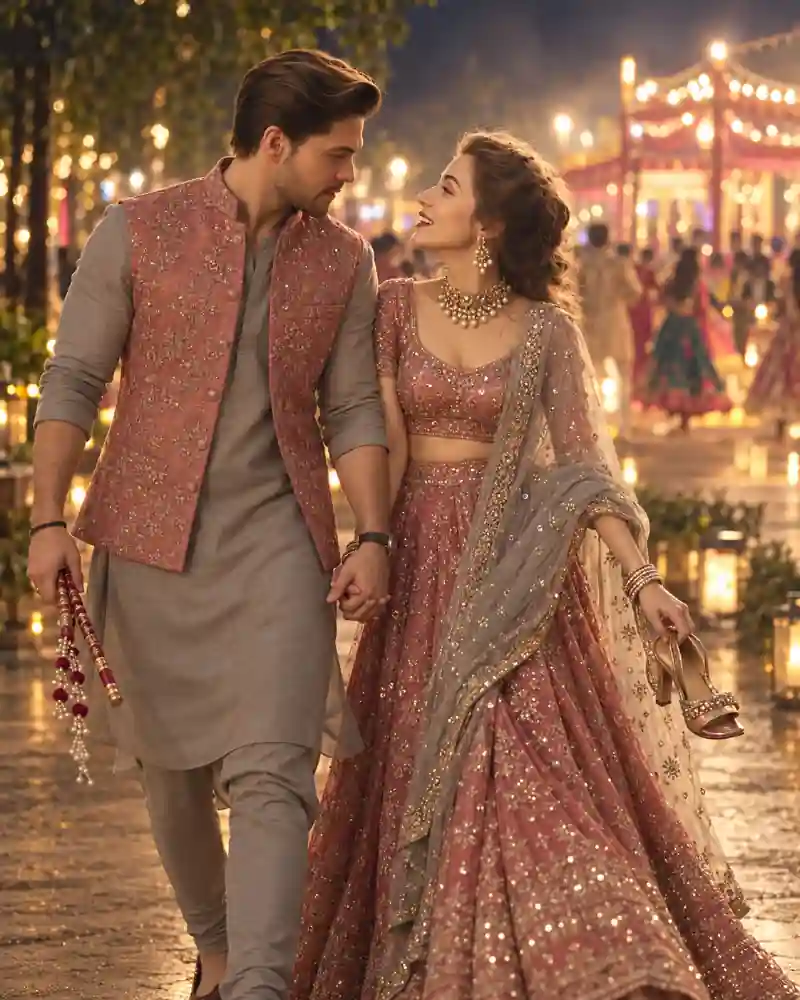
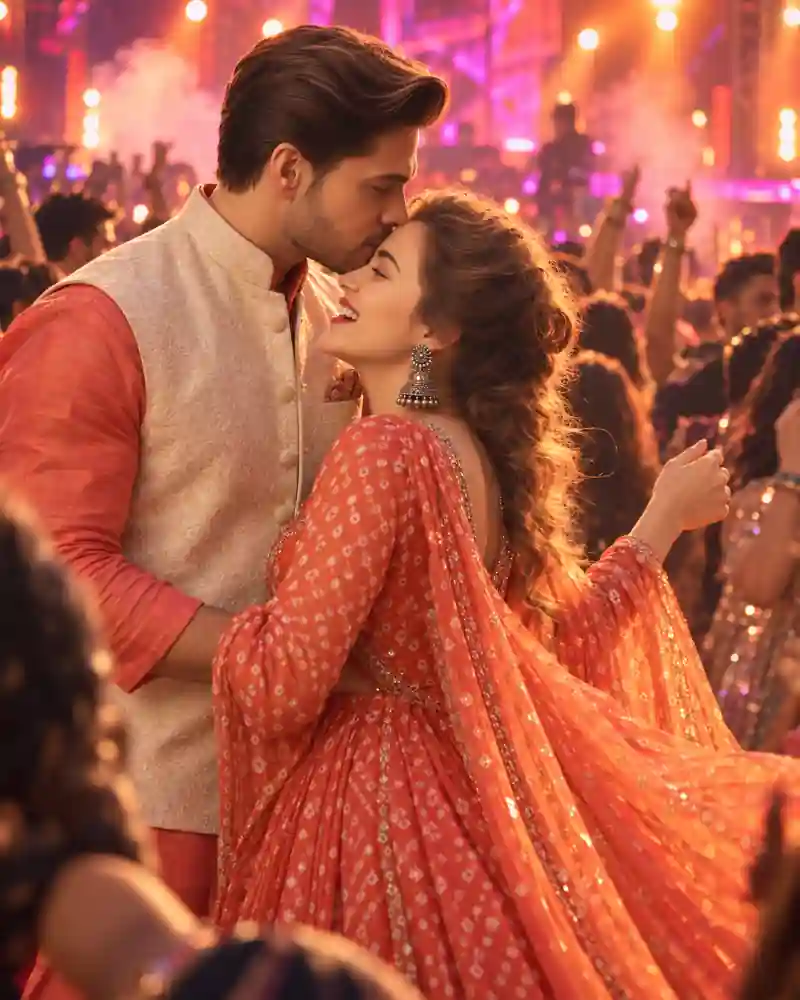
Capture the magic, vibrant colors, and electric romantic energy of Navratri with custom AI photo prompts made for late-night Garba and modern DJ nights. Want an intimate, traditional couple pose under warm festive fairy lights? Or a dynamic, high-energy neon DJ night aesthetic with glowing Dandiya sticks? These prompts help you create hyper-realistic, cinematic portraits in seconds.
Perfect for Instagram posts, WhatsApp DPs, and festive greetings, you can easily turn your romantic Navratri vision into high-resolution digital art using AI tools like Google Gemini.
How to Use These Prompts in Google Gemini
- Open Google Gemini: Go to gemini.google.com on desktop, or open the Gemini app on your phone.
- Copy the Prompt: Pick your favorite prompt, for example "Cinematic photo of a romantic Indian couple playing Garba under vibrant DJ lights..."
- Format Your Request: Paste the prompt in the chat box and add an image command at the start, like: "Generate a realistic 8k photo: [Paste your prompt here]"
- Add Personal Details (Optional): Mention clothing color, hairstyle, pose, or background mood to customize the result.
- Generate and Save: Press send. When the images appear, tap or click your favorite to download it in high resolution. Want changes? Just ask Gemini, for example "Make the DJ lights more subtle" or "Change the attire color to deep red."
Pro Tips for Better Navratri Couple Photos
- Name the outfits clearly: Use Chaniya Choli and Kurta Pajama or Kedia so the traditional look comes out accurate.
- Specify the lighting: Words like warm fairy lights, neon disco lights, spotlights, and golden hour glow change the whole mood.
- Keep one idea per prompt: Separate prompts for traditional Garba and DJ night give cleaner results than mixing both.
- Use a vertical ratio: Add 3:4 or 9:16 for Instagram posts and WhatsApp DPs.
Frequently Asked Questions (FAQ)
Q1: Can Google Gemini generate realistic romantic couple photos for Navratri?
Yes. With detailed prompts that describe lighting, traditional attire (Chaniya Choli and Kurta Pajama), poses, and festive backgrounds, Gemini creates detailed, life-like images.
Q2: What key phrases give the best "DJ Night" effect in AI photo prompts?
Use lighting and atmosphere keywords like "neon disco lights," "spotlights," "fog effect," "bokeh festive background," "vibrant DJ night stage," and "glowing Dandiya sticks."
Q3: How do I get high-quality photo results from Gemini?
Add quality tags at the end of your prompt, such as "ultra-realistic, 8k resolution, shot on 85mm lens, depth of field, cinematic lighting, hyper-detailed skin textures."
Q4: Is image generation in Gemini free to use?
Yes, standard image generation in Google Gemini is available on the free tier, though limits can vary by region and account.