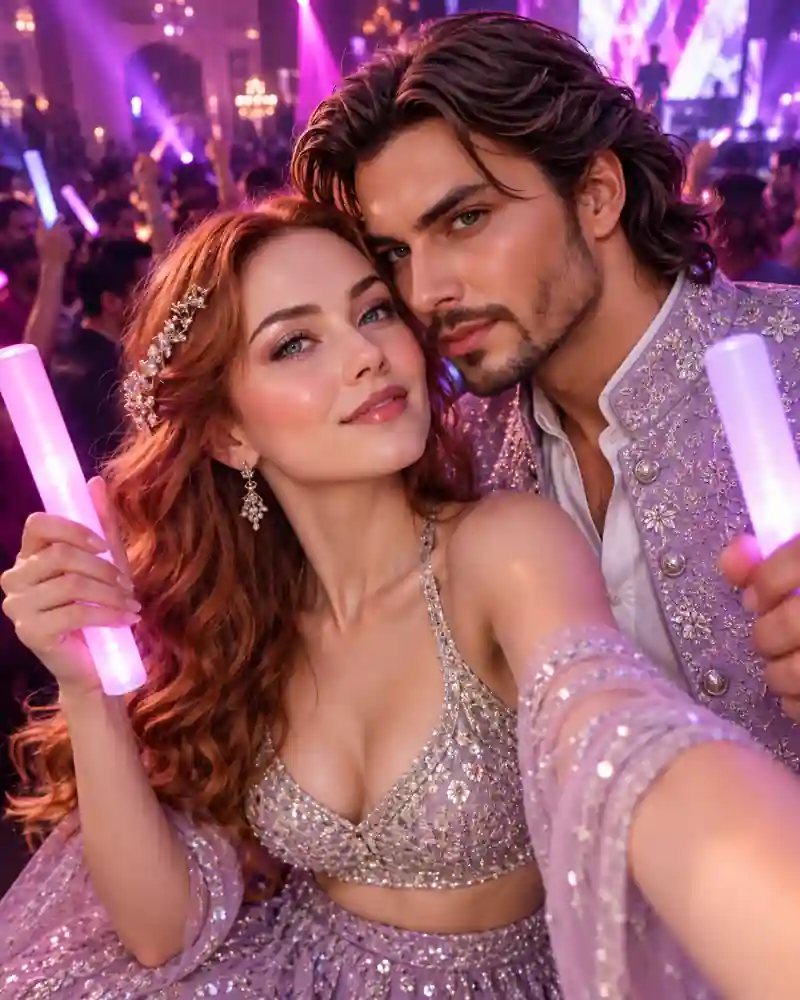
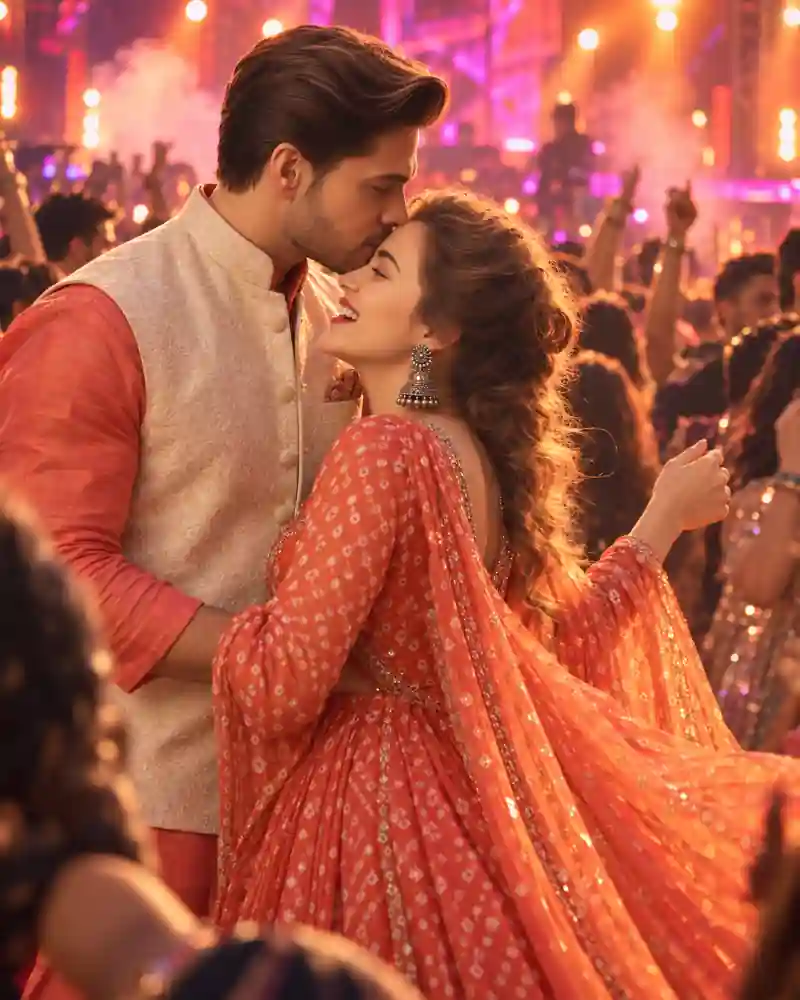
A neon party couple selfie AI photo prompt is for the kind of picture you take when the music is loud, the lights are purple, and you want to remember the evening together. The camera feels close to the couple, with one arm extended toward the lens and glowing light sticks framing their faces. Both outfits pick up the lavender color of the room. The background is full of magenta and violet stage lights, but the two people remain the main focus. It's a modern party look, not a traditional festival portrait. The main prompt on this page can help you try a similar selfie using your own reference photographs.
A Lavender Selfie in the Middle of a Neon Party
The woman stands closest to the camera in a shimmering lavender outfit with a soft sheer wrap. Her waved hair catches the colored lighting, and her raised arm creates the familiar perspective of a handheld selfie. Her partner stands close beside her in a pale-lavender sparkling jacket. Both hold glowing light sticks, which make the image feel connected to a dance floor rather than an ordinary studio setup. Behind them, guests and stage lights dissolve into purple-pink blur. The background is busy enough to suggest a real music event but soft enough that the faces stay clear. There is no need to force a phone into the frame. In this style, an extended camera-side arm and a slightly wide selfie perspective are enough to tell the story.
What Makes the Neon Selfie Look Convincing?
Selfie photographs have a different geometry from posed portraits. The person holding the camera usually appears slightly closer; the arm moves toward the lens; and both people have to fit comfortably into a relatively tight frame. AI editors sometimes struggle with that extended arm or give the couple mismatched eye directions. Keeping the phone outside the image and asking both people to look toward the same camera point can help. For more portraits with two people but entirely different lighting, browse the couple AI photo prompt collection.
How to Create a Neon Couple Selfie Using AI
Step 1: Choose Good Face References
Use a clear couple photo or two well-lit individual portraits. Avoid strongly tinted filters in the source images if possible; it's easier to add party colors after the editor understands the faces.
Step 2: Upload and Identify Both People
Open a compatible image editor and add your reference images. Identify which person should be nearest to the camera and which should stand slightly behind. Use photos with permission.
Step 3: Copy the Lavender Selfie Prompt
Use the Copy Prompt button above. The instructions explain the selfie angle, lavender clothing, glowing sticks, and neon dance-floor lighting.
Step 4: Look Closely at the Foreground Arm
Check where the raised arm begins and ends. It should look like a normal arm reaching toward an unseen phone, not an extra limb floating across the picture.
Step 5: Fine-Tune the Party Lighting
If the image is too dark, request brighter but natural face illumination. If everything is purple, ask for recognizable skin colors with the neon tint kept mostly in the surrounding light.
Tips for Better Purple and Pink Party Photos
Don't Let the Neon Lights Erase Skin Texture
Purple lighting should tint the scene, not flatten every face into one color. Ask for visible eyes, natural shadows, and believable skin texture beneath the colored lights.
Use One Clear Selfie Perspective
A high-angle camera, a front-facing close-up, and a long-distance portrait are three different compositions. Pick a slightly wide arm's-length viewpoint and keep it consistent.
Give the Glow Sticks a Simple Shape
Small illuminated objects are easy for image generators to distort. Two slim sticks held in relaxed hands are enough. Avoid unnecessary extra light wands or floating colored tubes.
Keep Glittering Clothes Detailed
A sparkling outfit should still have visible fabric and seams. If the material turns into a featureless glow, request finer shimmer and lower highlights.
Let the Crowd Fade Back
A crowded venue establishes the mood, but sharp background faces compete with the selfie. Ask for distant guests and stage lights to remain softly out of focus. If you need help adjusting camera perspective or improving low-light images, visit the AI editing tutorials and guides.
Frequently Asked Questions
Can Gemini create a neon party selfie from two separate photos?
You can try it in a Gemini experience that supports multiple image references and image editing. Label each person clearly and review the arm position and facial likeness afterward.
Will this prompt work in ChatGPT image editing?
The written scene can be used with compatible ChatGPT image features. Results vary by model and input photos, especially for the close selfie perspective.
Do I need an existing selfie as my reference image?
No. An editor may create a new selfie viewpoint from ordinary portraits. Starting with clear source faces can help, but you'll still need to check the near-camera arm and hand.
Can I change the lavender color to blue or red?
Yes. Try electric blue, hot pink, or red if you want a different party mood. Keep the light sticks and background colors coordinated instead of mixing every neon shade at once.
How do I stop the faces from looking too purple?
Ask for neutral facial detail with violet ambient light around the hair, clothes, and background. A little natural front-facing light helps separate people from the dance floor.
Is this a Garba or Navratri AI photo prompt?
No. The image is a modern neon music-party selfie. It doesn't include the traditional outfits, dandiya setting, or specific festival cues of a Garba portrait.
Final Thoughts
The best detail in this picture is its casual, close-camera feeling. Keep the expressions readable, the selfie arm believable, and the purple lighting controlled, and the glow sticks will provide the finishing touch. Explore more ideas in the PromptCine curated AI prompt library when you're ready to try another photo style.